The Three Views
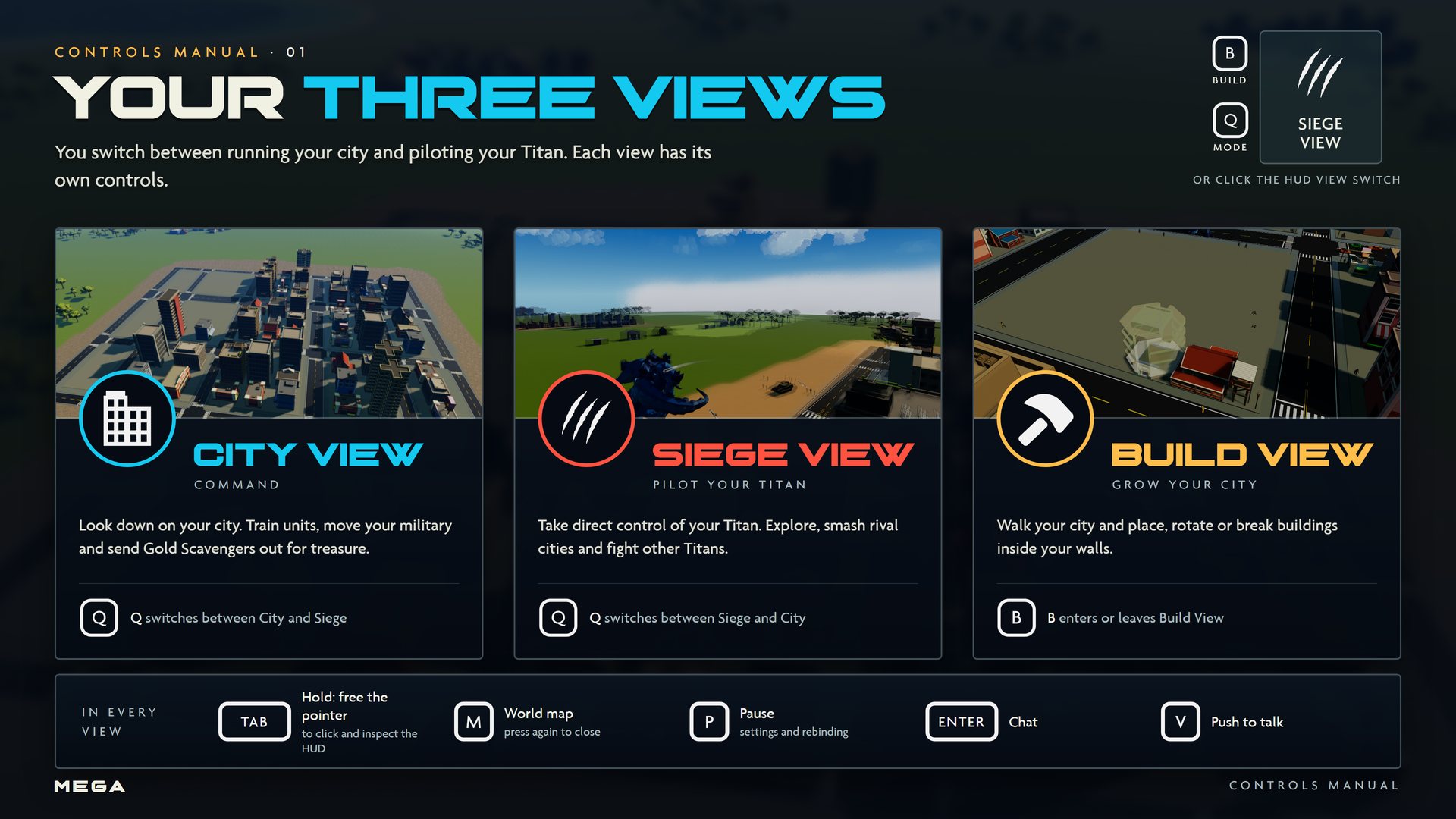
MEGA is played in three views. Q switches between City View and Siege View, and B opens Build View.
City View
City View looks down on your city from above. This is where you train units, give orders to your military, shelter citizens and send out Gold Scavengers.  switches to Siege View.
Siege View
Siege View puts the camera behind your Titan, and you control it directly. It's the view for exploring the map and for fighting. Your five moves are in the ability ribbon at the top of the screen.
Build View
In Build View you walk around your city on foot and place, rotate or remove buildings.  opens and closes it from any view.
The view switch
You can also click the view switch in the bottom-right corner of the HUD. It shows your current view and the and keys.